

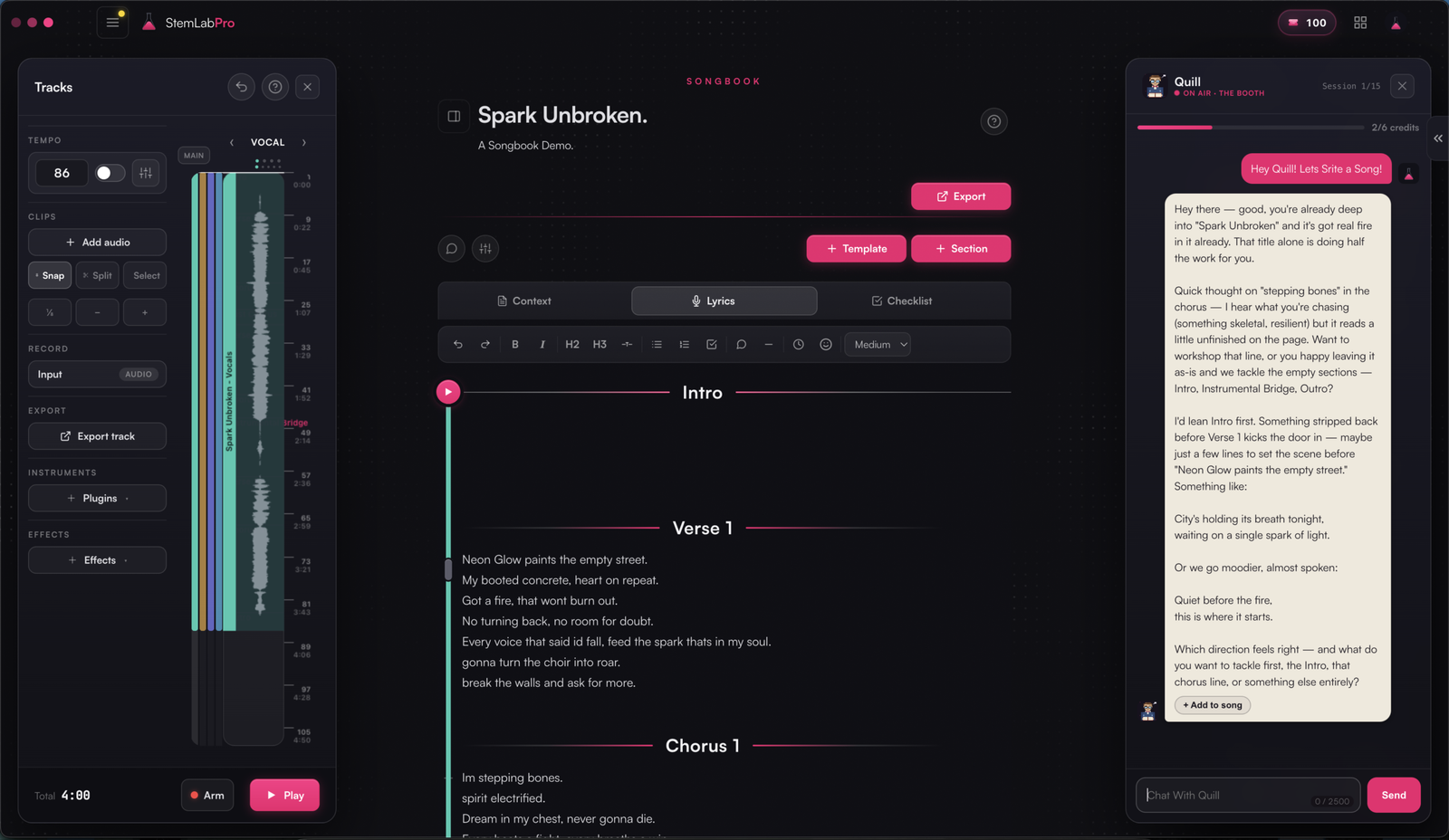
Why Your DAW Feels “Broken” With Bluetooth Headphones
If you try StemLabPro’s new Songbook DAW with Bluetooth headphones, there’s a good chance it will feel wrong before it sounds wrong. Notes land late in your ears, the click feels slippery, and suddenly it seems like the app can’t keep up. Under the hood, though, the DAW is running on fast audio drivers; the thing slowing everything down is your headphones, not the software.
Bluetooth cans are great for the train, for the gym, for walking the dog. They are a terrible choice for recording or tight timing work, because they add a big chunk of delay that no DAW can fix. Wired headphones, by comparison, add almost nothing on top of your normal system latency, which is why studios still run copper cables everywhere even in 2026.
Why Bluetooth Adds So Much Delay
Bluetooth audio isn’t just “sound, but wireless.” Every note you play has to be:
encoded into a compressed Bluetooth codec
buffered so packets don’t glitch
transmitted over radio
decoded and played in your headphones
Each one of those steps adds time. In practice, that means a typical Bluetooth chain adds roughly 40–250 milliseconds of latency on top of whatever delay your computer and driver already have. For music production, anything above about 10–15 ms starts to feel spongy; 100 ms or more feels like playing to an echo.
That’s why you’ll find the same advice repeated by audio companies and educators: Bluetooth is fine for listening back, but not for live monitoring or playing in time with a DAW.
How Bluetooth Latency Feels Backwards
With a normal high‑speed driver like ASIO, Core Audio, or a well‑tuned WebAudio stack, your DAW can keep output latency in the tens of milliseconds. That means the sound you hear is almost aligned with the moment you hit a key or sing a word.
Bluetooth completely flips that experience.
The DAW generates audio right on time.
The audio leaves the DAW and reaches your operating system on time.
The Bluetooth pipeline sits on that audio for a noticeable delay before you ever hear it.
From your point of view as a player, it feels like this:
You play a note exactly with the click.
You hear that note a fraction of a second later.
On the timeline, the DAW has actually recorded it close to where you played it, not where you heard it.
If you’re inexperienced, you naturally adapt by playing to what you hear, not to the grid. The result: every take ends up late even though the DAW’s timing is fine, and it’s easy to conclude “this software doesn’t work.”
Wired headphones don’t create that backwards loop. They just play whatever the driver sends them, so any latency you feel is the same latency the DAW knows about and can compensate for.
How to Tell If the Delay Is Your Headphones
If Songbook’s DAW ever feels laggy, you can quickly test whether the problem is Bluetooth or the app.
1. Click test: wired vs Bluetooth
Create a simple click or short hi‑hat loop in Songbook.
Listen to it on wired headphones or speakers, close to you.
Switch to your Bluetooth headphones and listen again.
If the click suddenly feels like it’s “coming after” your taps or finger snaps, you’re hearing Bluetooth latency. Browser‑based audio sync tests that flash the screen while playing a beep make this effect very obvious, and often show that wireless delay is far larger than people expect.
2. Recording test: follow the click
In Songbook, set up a click track.
Put on wired headphones and record a bar or two of hand claps or a simple riff, trying to hit exactly with the click.
Repeat the same take wearing your Bluetooth headphones, this time following what you hear.
When you zoom in on the timeline, the wired take will sit close to the grid. The Bluetooth take will often land noticeably late, even though you thought you were in time, because you were compensating for what you heard in your ears, not what the DAW was actually playing.
3. Latency check: what the DAW sees
If Songbook exposes a latency or buffer readout, look at that number (you can turn this stats on, in the performance settings from your profile settings cog.). On a decent interface with ASIO or Core Audio, a small buffer can get you under about 20 ms of round‑trip latency, which most players can work with. If the DAW reports a low value but your monitoring still feels like an echo, your headphones or wireless audio chain are almost always to blame.
Why Wired Headphones Still Win for Recording
This is why most professional studios still default to wired, closed‑back headphones for tracking, even when every other part of the studio is modern and wireless. Wired headphones:
add effectively negligible extra latency beyond the driver
give the DAW a timing picture it can actually compensate for
avoid dropouts and jitter from radio
Models like the Audio‑Technica ATH‑M50x have become studio staples partly because they solve those boring problems reliably: they plug straight into an interface, isolate well, and reproduce timing and balance in a predictable way. In other words, they let you judge your performance instead of guessing around hidden latency.
You don’t need a specific brand to make Songbook’s DAW happy, but you do want:
wired connection (3.5 mm or 1/4‑inch jack)
closed‑back design if you’re recording vocals near a mic
comfortable pads so you can wear them long enough to finish a session
Getting the Best Out of Songbook’s DAW
Songbook’s first DAW release is built around low‑latency drivers, tight timing, and visual lyric playback that matches what you actually sing. The whole point is to make your performance and what you see on screen feel connected.
The one thing Songbook can’t control is what your headphones do after the audio leaves the app. If they’re buffering your sound by 100–200 ms, no amount of clever coding inside the DAW can make your ears hear it sooner.
That’s why, when Songbook 1.0 lands with full DAW capabilities, the quickest upgrade you can make isn’t another plugin, it’s a simple wired pair of headphones. Plug them in once, and every take, every lyric playback, and every timing decision will suddenly make a lot more sense.
